Struggling to Transfer Photos During Events? Here's How Event Manager Solves It Automatically
Last updated: · 4 min read
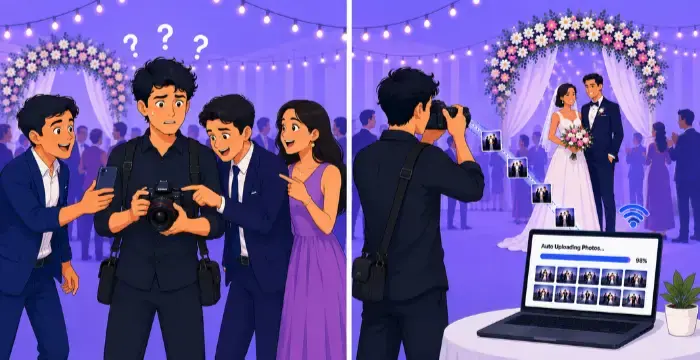
Photo transfer can be the most tiring part of a photographer's day. After hours of shooting, you still have to sit and move thousands of photos from your camera to your computer or cloud, one by one. If the internet stops working or a photo uploads twice, you lose time and have to start again.
This wastes time and energy. It can also make clients unhappy, because they get their photos late. Photomall's Event Manager is made to solve this problem. It makes photo transfer simple and automatic.
The Real Problem: Manually Transferring Photos Takes Too Long
Think about a wedding or a big event. You may have thousands of photos to move from your camera to the cloud. You need to organise them and send them to your client, without losing quality or time.
Doing this manually means:
This takes up a lot of time. And it delays the one thing your client wants most: their photos.
How Event Manager Solves This
Event Manager removes all these problems. Here is what it does:
Why This Helps Your Business
Faster uploads mean faster delivery. Faster delivery makes clients happy. And less time spent on file management means more time for your camera work.
Whether you shoot weddings, corporate events or big gatherings with thousands of photos, Event Manager takes care of the hardest part of the job automatically. And no matter what device you use, Event Manager has you covered: it works on Windows, Android and macOS, so you can manage your workflow on whichever platform you prefer.
Frequently Asked Questions
Final Thoughts
Manually transferring photos takes up time you could spend editing, talking to clients, or just resting. Event Manager does this automatically, so you save time and have less stress at every event. If you want things to be fast and reliable, try Event Manager on your next shoot.