How to Place QR Codes at a Wedding So Every Guest Actually Scans Them
Last updated: · 8 min read
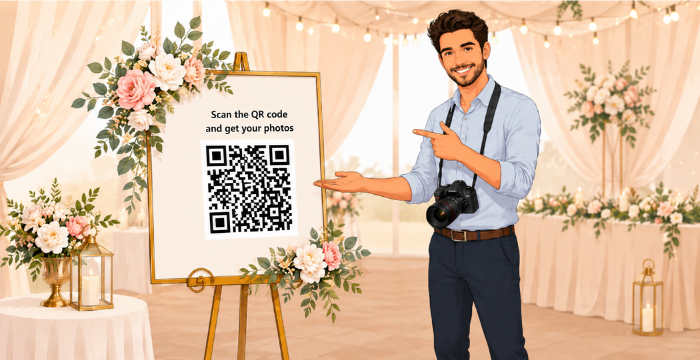
Getting guests to scan a QR code at a wedding is not as simple as it looks. You print it, place it on a standee and expect everyone to scan it. But most guests are busy talking, eating, dancing and enjoying the moment and they simply miss it.
If your QR code is not placed at the right spot, with the right message, it just gets ignored. This guide will walk you through exactly where to place QR codes at a wedding so that guests actually notice and scan them.
Why QR Code Placement Matters More Than You Think
Most photographers place the QR code in just one spot and hope guests will find it. But a single spot is not enough. Guests move around the venue throughout the event and they each have different moments when they are most likely to pick up their phone and scan.
The right placement means more guests get their photos instantly. Place the QR code where guests naturally pause and they will scan it without any hesitation. Scan, upload a selfie and get their photos right on their phone. Now let's talk about where that QR code should actually placed.
1. The Welcome Area — Your First and Best Chance
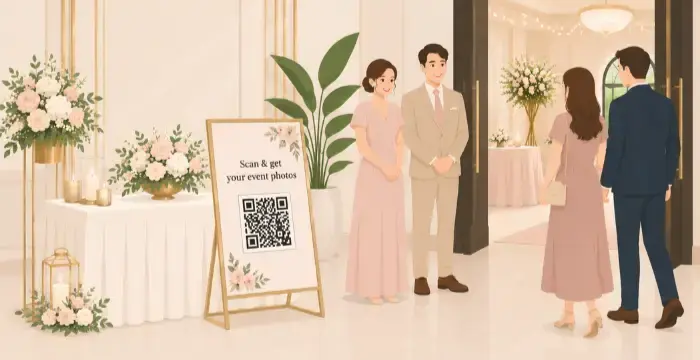
The welcome area is where every guest stops when they arrive. They greet the family or collect a return gift This is your highest-traffic spot.
Place the QR code on a standee near the welcome area. Add a short line like "Scan here to get your photos." Guests are calm at this point, not yet caught up in the event energy, so they are more likely to scan and remember it.
Tip: Keep the standee at eye level so guests notice it the moment they walk in.
2. Near the Dining Area
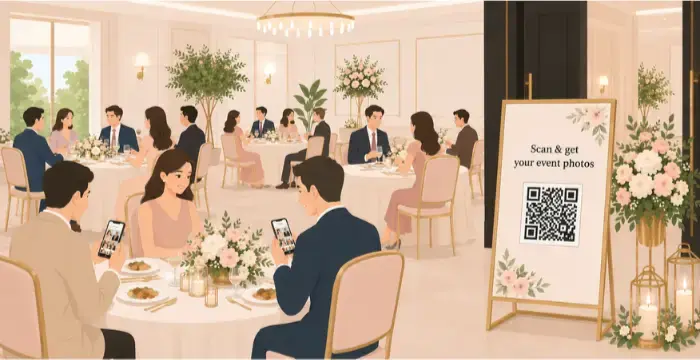
During meals, guests sit in one place for a long time. They talk, check their phones and look around. This is a great moment to get their attention. Place a standee with the QR code near the dining area where guests can easily see it while seated. One standee placed at the entrance of the dining area works well so every guest sees it when they come to eat.
3. Near the Stage or Ceremony Area
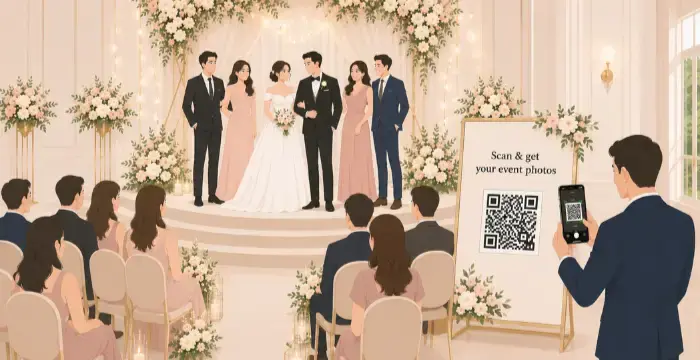
The stage or ceremony area is the heart of every wedding. Guests spend a lot of time seated nearby watching the rituals, waiting between ceremonies and taking photos of the couple. There are natural quiet moments here where guests are simply sitting and looking around.
A strategically placed standee with the QR code near the guest seating area works very well. Guests who are seated and waiting will notice it easily and since they are already thinking about the couple's special moments, they are in the perfect mood to scan and receive their own photos from the event.
4. The Exit Area
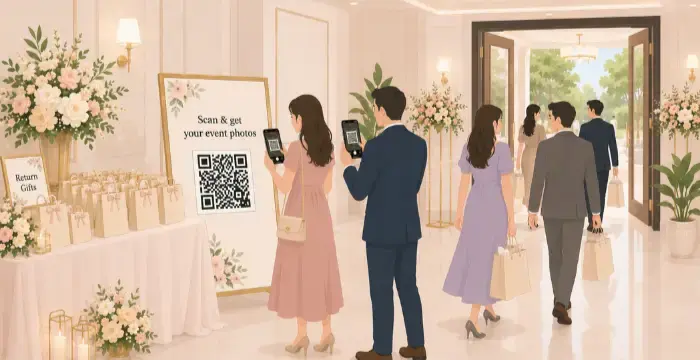
As guests leave, they are in a reflective mood. They have just experienced something beautiful and emotional. This is a great moment to remind them that their photos are ready and waiting. Place a QR code at the exit near the farewell table or wherever guests pick up return gifts. A message like "Take your memories home scan to get your photos" works really well here. Guests who missed the QR code earlier in the event will catch it here.
What to Write Next to the QR Code - make the points simplified
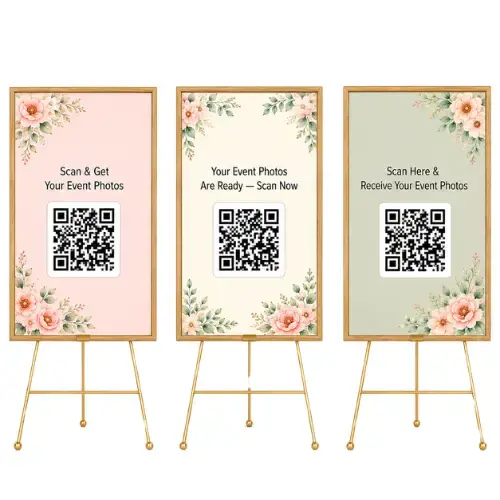
The message next to your QR code matters as much as the placement. Keep it simple and friendly. Here are a few options that work well:
- Scan & get your event photos
- Your event photos are ready — scan now
- Scan here & receive your event photos
Avoid technical language. Guests do not need to know how it works they just need to feel comfortable trying it.
How Photomall Makes This Effortless
Once the QR code is placed and guests start scanning, Photomall takes over completely. Here is what happens on the guest's side:
For Photographers
Create Event
Create an event for that particular user
Place the QR Code
Place the QR Code in a visible spot for guests.
Upload Photos & Make Live
The Event Manager App auto-detects and uploads the photos.
For Event Guests
Scan QR Code
Event guests will scan the QR code.
Upload a Selfie
Event guests will log in and upload their selfie.
Get Photos
They will receive all their event photos.
No scrolling through hundreds of group photos. No waiting days for a Google Drive link. No confusion. Just the right photos, delivered to the right person, in seconds. For photographers, this means no manual work, no mix-ups and a much better experience for every guest, which directly reflects on the photographer's reputation.
QR Code Size Guide — By Placement Type
Photomall lets you download your QR code in multiple sizes — from 100×100px to 2000×2000px. Here's which size works best for each placement:
WhatsApp / Digital Share (Post-Event)
100×100px or 200×200pxNo printing involved — a smaller size loads faster and still stays sharp when guests zoom in on their phone.
Table Tent (Dining Area)
200×200px to 500×500pxGuests are seated close by, so a smaller print size scans easily without taking up too much table space.
Wall Poster / Photo Corner
500×500px to 1000×1000pxBigger than a table tent since guests view it from a few steps away, especially if placed above eye level.
Standee (Welcome Area / Exit)
1000×1000px to 1500×1500pxStandees are viewed from 3–4 feet away as guests walk past, so a larger, high-resolution print keeps it easy to scan without stepping closer.
Banner / Backdrop (Stage Area)
1500×1500px to 2000×2000pxBanners are viewed from the farthest distance and are often photographed alongside the couple, so go with the largest size available for a crisp scan.
Not sure which size to pick? Go with 1000×1000px.
If you can only print one QR code size for the entire event, 1000×1000px is the safest bet — it works well on standees, wall posters and even mid-size banners. It's the size that balances scan-ability with print cost, without needing to switch sizes for every spot.
Quick tip: The farther guests stand from the QR code, the bigger the size you should download. With Photomall, just pick your placement and choose the matching size from the QR Code Download dropdown — no need to resize manually.
Frequently Asked Questions
Final Thoughts
A QR code standee in the right spot can make a huge difference. When guests find their photos easily and instantly, they remember the experience and they remember the photographer behind it.
When you use Photomall's AI-powered QR code photo sharing, the experience from that first scan to photo delivery is smooth, fast and impressive. It leaves guests happy, keeps photographers stress-free and turns every wedding into a memory that people will keep on their phones, share with family and remember for years.Want to try it for your next event? Start your free trial with Photomall and see how easy photo sharing can be.